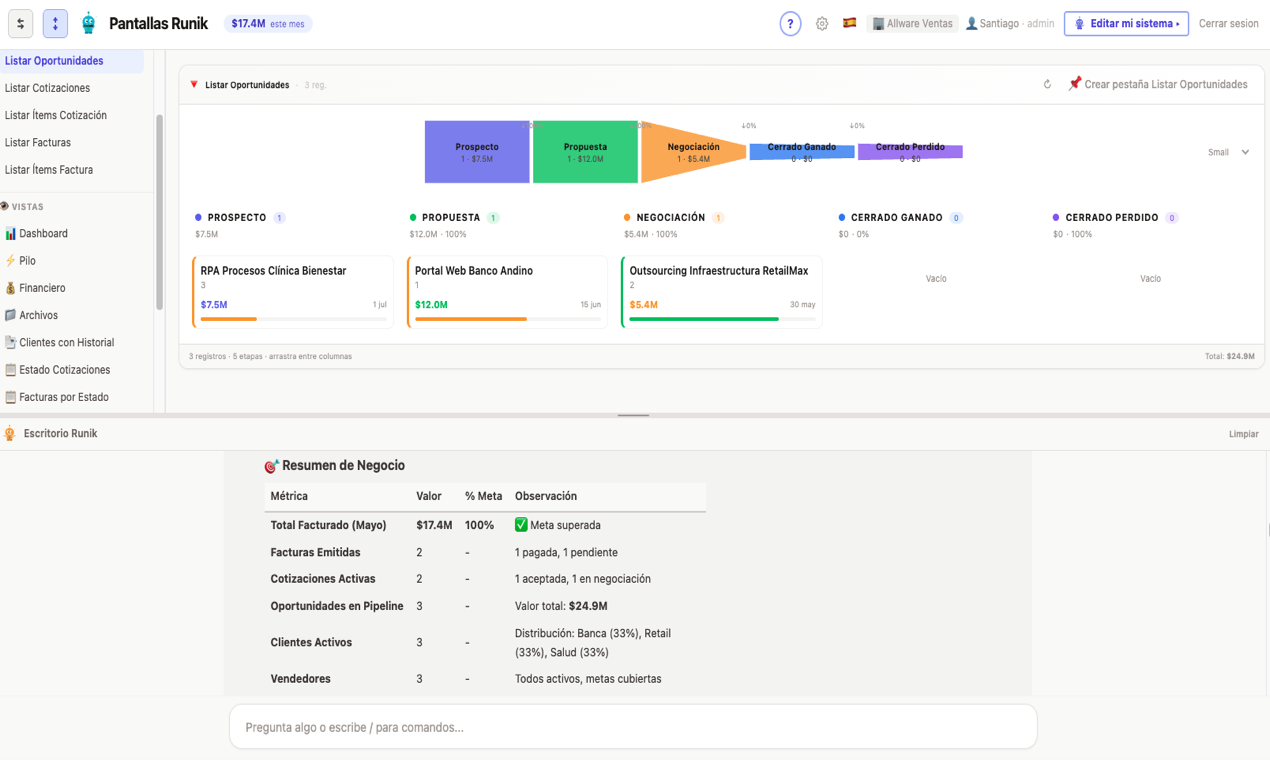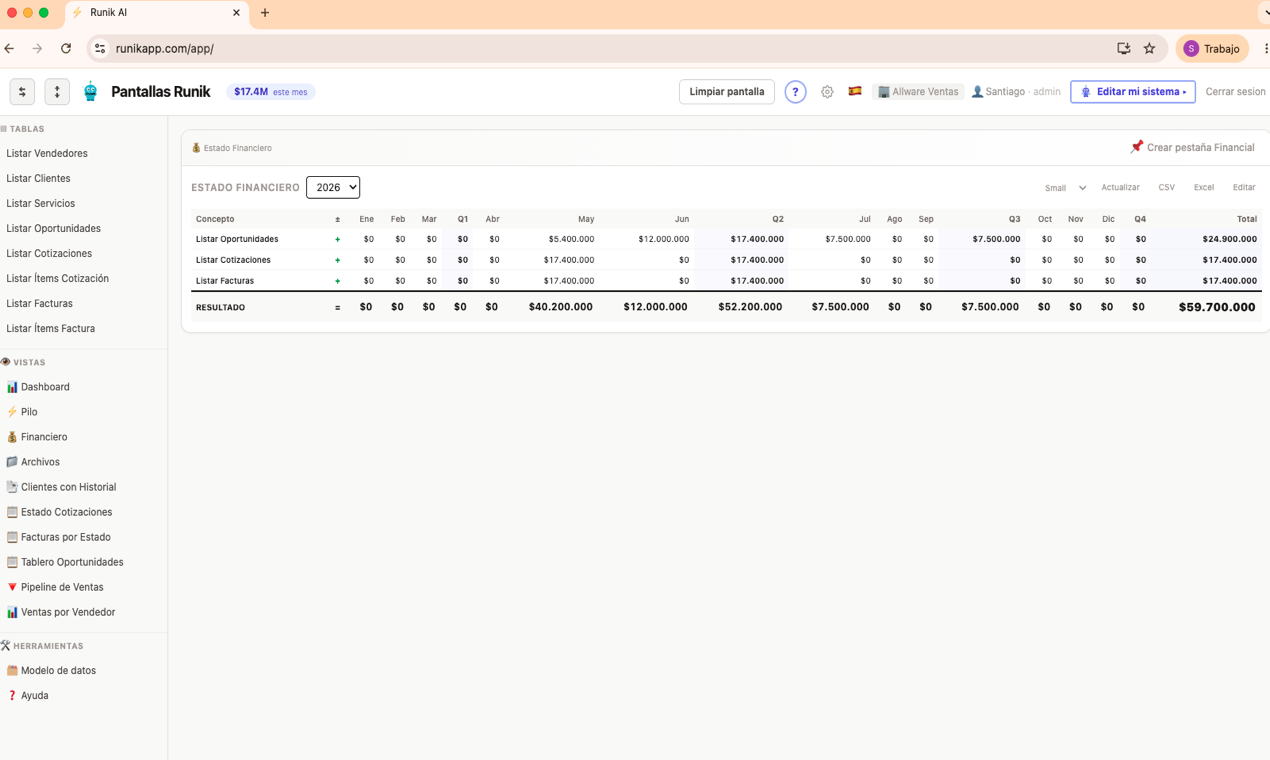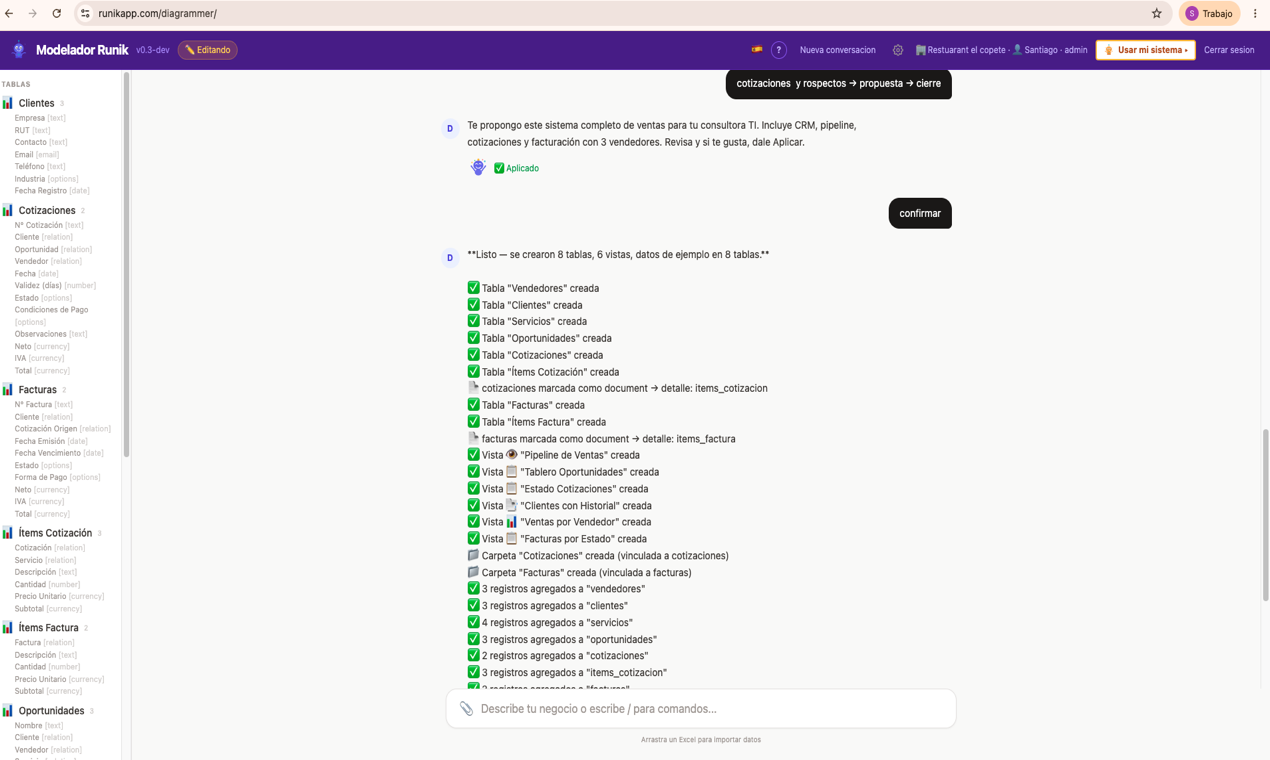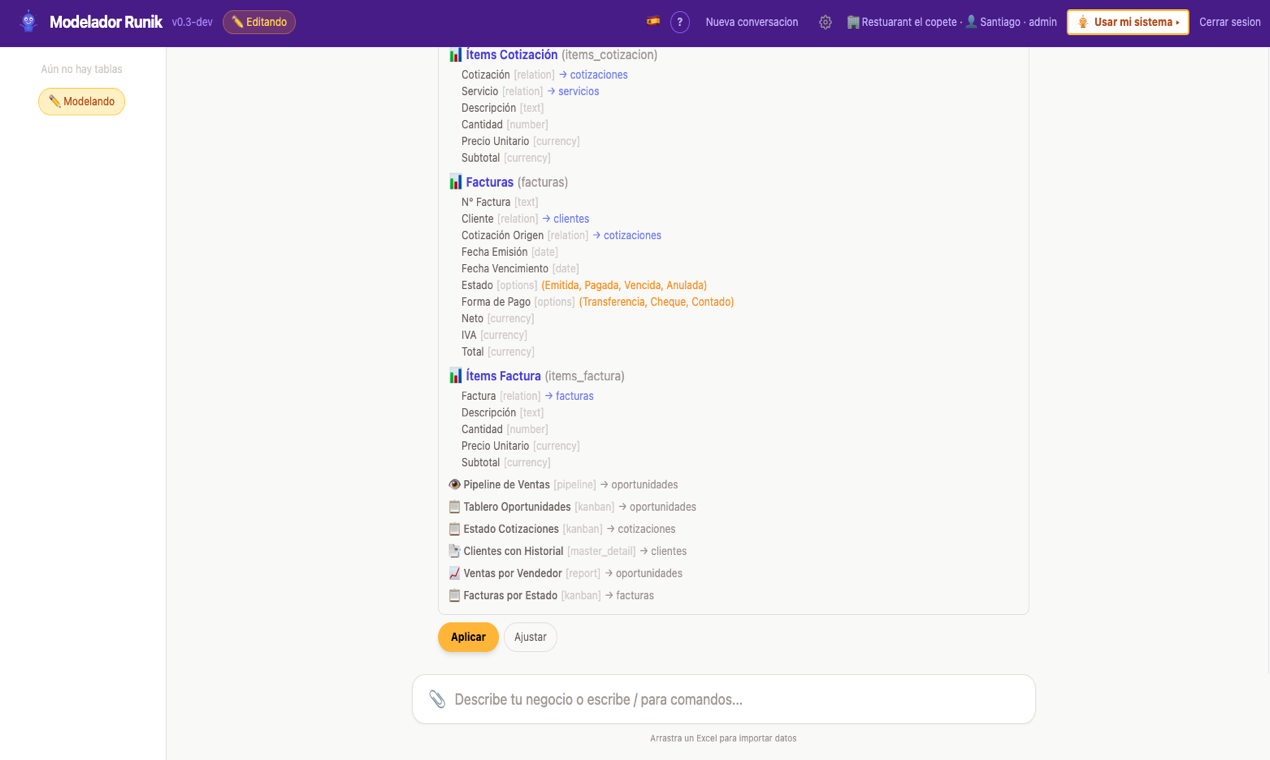
Tables, dashboards, kanban boards, calendars, reports and forms — all built automatically when you describe your business. Like having your own custom software, without writing code.
25 ready-to-use templates. Or describe your business and the AI builds it from scratch.
You describe what you do. Runik AI builds your system. You operate.
| Table | Fields | Widget |
|---|---|---|
| Clients | name, phone, vehicle, plate | Table |
| Work Orders | client, description, status, cost | Kanban |
| Spare Parts | name, stock, cost, supplier | Table |
| Payments | client, amount, method, status | Dashboard |
No tech knowledge needed. If you know your business, that's enough.
Register and create your system
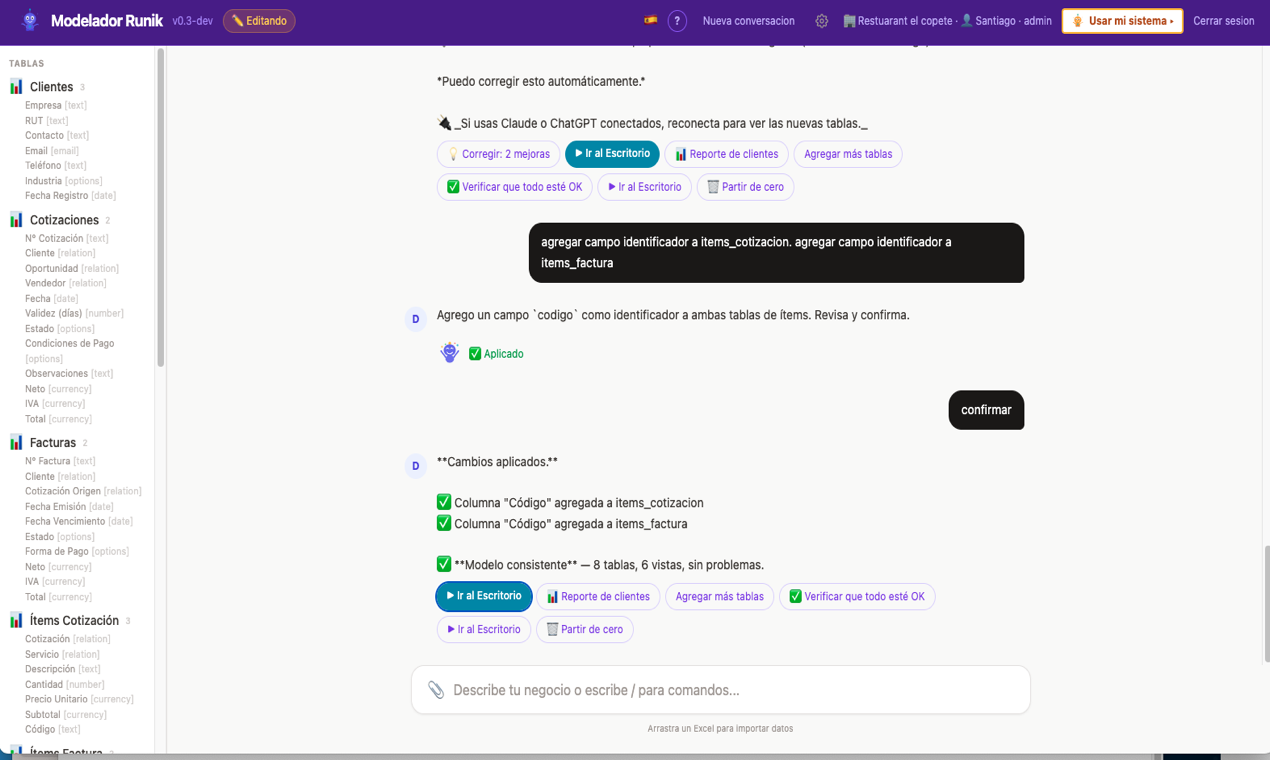
AI builds, you review
Operate every day
You describe your business once. The AI builds your system. From there, you work with tables, boards, calendars and reports — like any professional software.
Modeler: describe your business, AI builds it.
Desktop: search, create, edit — all inline.
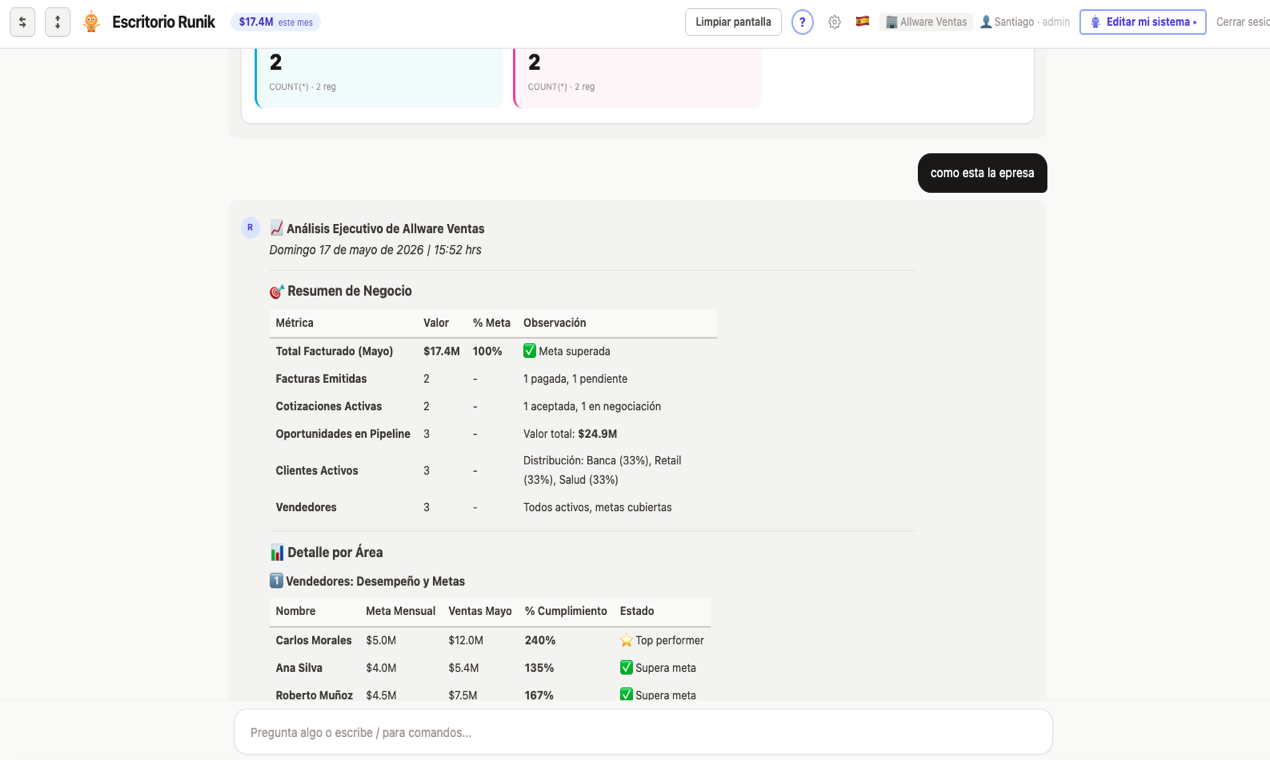
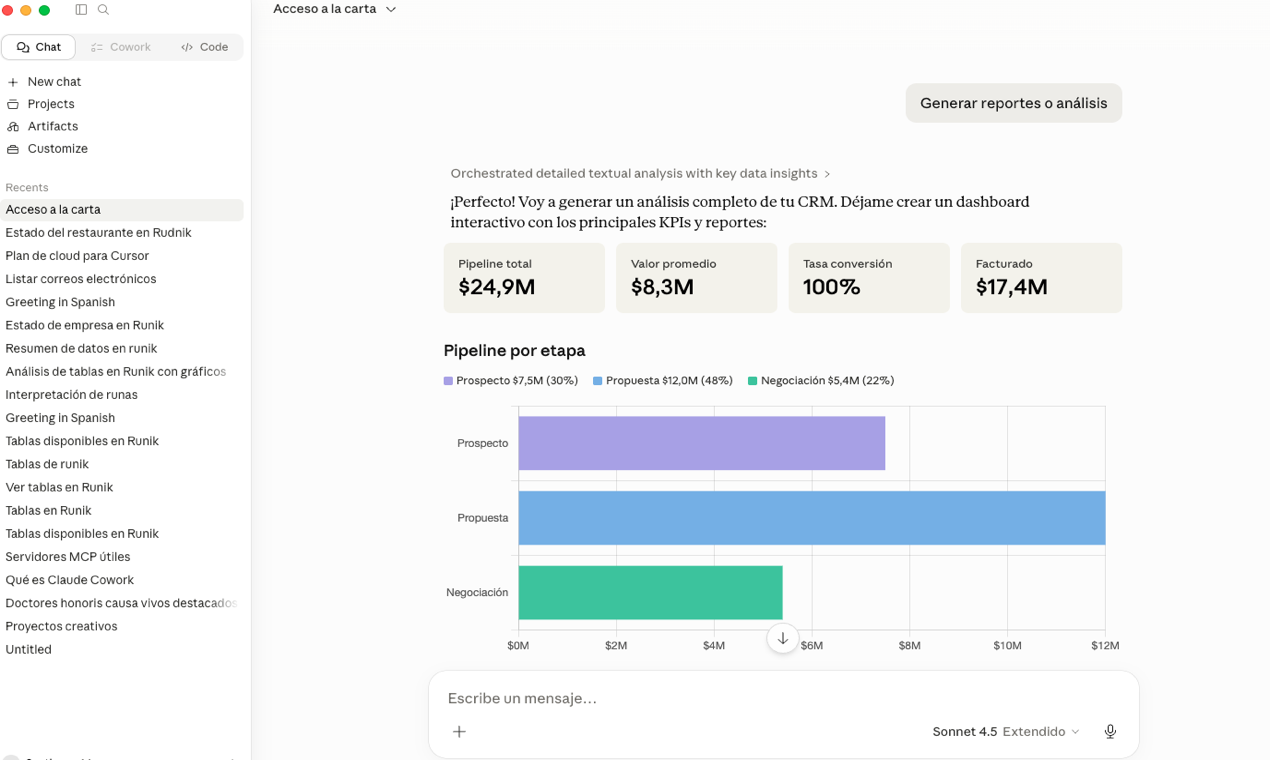
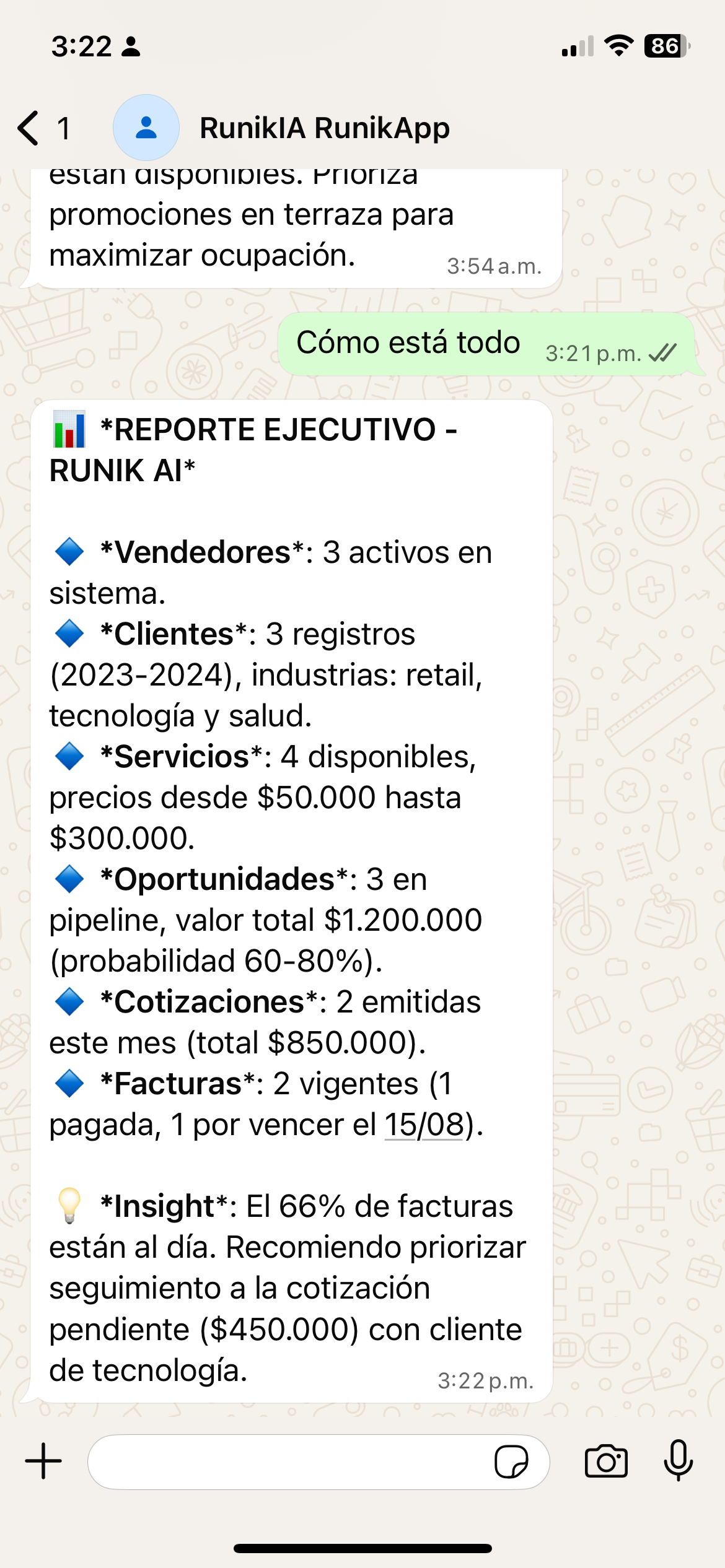
'How is the business?' — real summary with data.
'How are my sales?' — instant dashboard. 'Who owes me?' — filtered table. 'Send report to management' — email ready to send. Every answer from your real data.
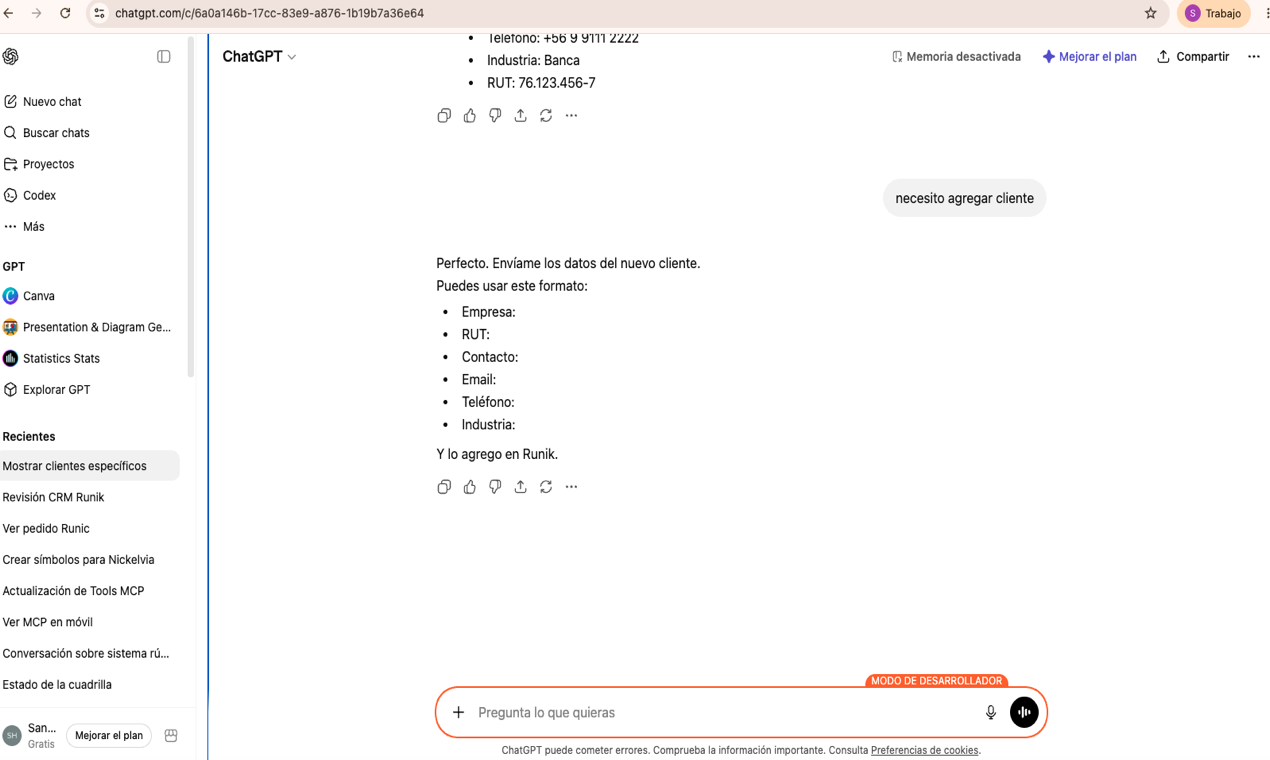
Connect Runik to your favorite AI and manage your data natively. Personal agenda, tasks, or full business system. Your data stays in Runik, the AI just talks to it.
In other tools, AI generates the data you see — it can invent numbers and hallucinate records. In Runik AI, what you see on screen comes straight from your database. The AI never invents data, never stores your information, and never uses it to train models. When you ask for analysis, the AI reads your data to respond — but what it shows you is always real.
Table, Kanban, Dashboard, Calendar, Gantt, Pipeline, Pivot, Report, Sheet, Form, Master-Detail, Email, Files.
Read, search, send. Weekly reports in rich HTML. "Find clients in my inbox" — done.
Runik comes with AI ready to use — no setup needed. And if you want, you can connect your own model: Ollama, Mistral, Claude, GPT, or any LLM you prefer.
Email, calendar, Google Drive, WhatsApp, and more. Runik connects your tools so the AI can work across all of them.
Upload, organize, link files to records. PDFs, images, Excel. Drag & drop.
SQLite — one file, portable, self-hostable. Open source AGPL. No lock-in. Take your data and leave anytime.
No credit card. No tricks. Your data is yours — take it anytime.
forever
for growing teams
your server, your rules
An AI query is only when the AI thinks for you — for example: 'how are my sales doing?', 'analyze my data', or designing your system in the Modeler. Creating records, editing tables, viewing reports, exporting PDF, uploading files — all of that is FREE and UNLIMITED. Use your system all day without limits.
Open source AGPL-3.0 — read every line of code. Your data is portable (SQLite). No lock-in.
Built from day one with privacy and security as non-negotiable principles.
The LLM decides WHAT to query, but your data goes directly from the database to the screen. No numbers, emails or records pass through the AI model. Ever.
Run Runik AI on your own server. Your infrastructure, your rules. Nothing leaves your network. Perfect for regulated industries.
Unlike other AI agents that control your computer, read your screen or access your filesystem, Runik AI only connects to services YOU explicitly authorize via MCP.
Open source AGPL — read every line of code. Know exactly what happens with your data. No black boxes, no hidden telemetry, no data harvesting.
Your entire database is a single file you can copy, backup, move or delete. No cloud dependency. Leave anytime and take everything with you.
Data sovereignty by design. Run with local AI (Ollama) + local database = zero data leaves your country. Meet any regulation.
Runik AI works with any LLM. Use cloud APIs for power, or run a local model 24/7 with zero cost.
Or bring your own API key and use any model you want. Runik AI never locks you in.
In 5 minutes you'll have your system. For real.
Start now — FreeRunik is built on the MCP protocol (Model Context Protocol). Connect it to ChatGPT, Claude, Cursor, or any MCP-compatible client. Self-host on your own server. Extend with your own tools.